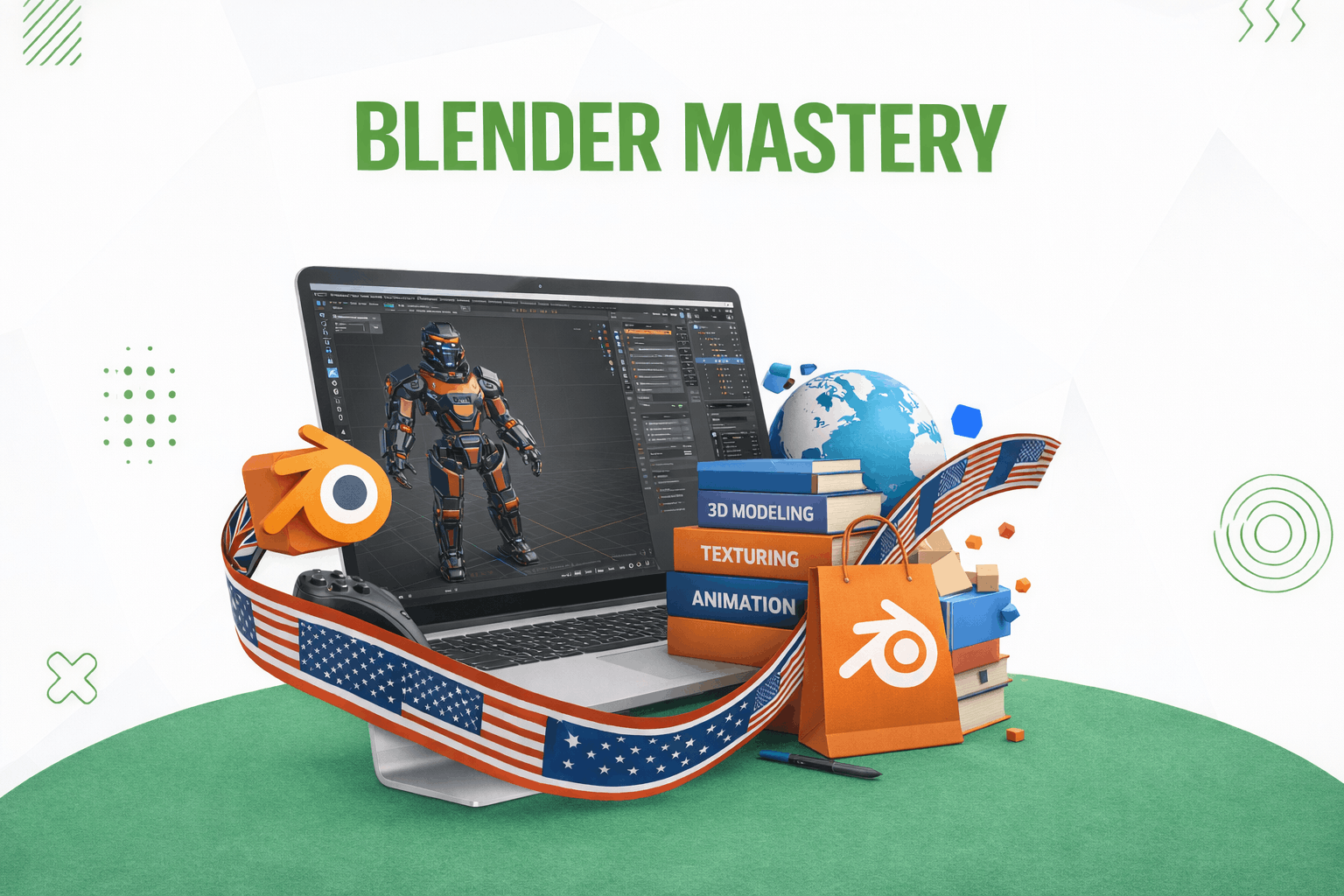
Blender Mastery Course
Course Overview
The Blender Mastery Course is a beginner-friendly, hands-on training program designed to introduce learners to the world of 3D modeling, animation, and rendering using Blender.
Students will learn how to:
- Create 3D models
- Apply materials and textures
- Set up lighting and cameras
- Build animations
- Render professional-quality visuals
This course is ideal for learners aiming to enter animation, game development, product visualization, and digital content creation.
Course Details
| Category | Information |
|---|---|
| Course Title | Blender Mastery |
| Course Duration | 2 Months |
| Level | Beginner |
| Language | English & Urdu |
| Delivery Style | Practical + Hands-on Learning |
Target Audience
This course is designed for:
- Aspiring 3D artists and designers
- Complete beginners in 3D modeling
- Students interested in animation or game development
- Digital content creators
- Hobbyists exploring 3D design
- Creative professionals expanding skillsets
Prerequisites
- No prior experience required
- Basic computer literacy recommended
Course Description
This course introduces learners to the fundamentals of Blender, a powerful and free 3D creation software.
Students will gain practical experience in:
- 3D modeling
- Object manipulation
- Materials and shading
- Lighting and rendering
- Animation and motion design
Through structured weekly projects and exercises, learners will build creative and technical confidence in producing 3D scenes and animations.
Course Learning Outcomes (LOs)
By the end of this course, learners will be able to:
- Understand Blender interface and 3D workspace
- Create and edit 3D objects
- Apply modifiers for advanced modeling
- Use materials, shaders, and textures
- Set up lighting and camera scenes
- Create basic animations using keyframes
- Render images and animations using Eevee and Cycles
- Complete a full 3D project from start to finish
Course Modules & Weekly Breakdown
Week 1 — Blender Interface & Navigation
Topics Covered
- Installing Blender
- Blender interface overview:
- Viewport
- Timeline
- Properties panel
- Object Mode vs Edit Mode
- Navigation controls:
- Zoom
- Rotate
- Pan
Lab Activities
- Explore Blender interface
- Manipulate default cube
- Practice basic navigation
Assignment
Create and arrange simple shapes:
- Cube
- Sphere
- Cone
Week 2 — Basic Modeling Tools
Topics Covered
- Extrude
- Loop Cut
- Inset
- Bevel
- Transform tools:
- Move
- Rotate
- Scale
- Snap & pivot settings
Lab Activities
- Model a simple object (house/table)
Assignment
Design a custom 3D object using:
- Extrude
- Loop cuts
- Bevel tools
Week 3 — Modifiers & Geometry Editing
Topics Covered
- Mirror Modifier
- Subdivision Surface
- Solidify Modifier
- Vertex, edge, face selection
- Proportional editing
Lab Activities
- Create a stylized bottle using modifiers
Assignment
Model a symmetrical object:
- Sword or cup using modifiers
Week 4 — Materials & Shading
Topics Covered
- Introduction to shaders
- Material properties:
- Color
- Roughness
- Metallic
- Shader Editor usage
Lab Activities
- Apply materials:
- Glass
- Metal
- Plastic
Assignment
Create a textured object:
- Fruit bowl with multiple materials
Week 5 — Lighting & Rendering
Topics Covered
- Light types:
- Point light
- Area light
- Sun light
- HDRI lighting
- Camera setup
- Introduction to:
- Eevee
- Cycles
Lab Activities
- Create 3-point lighting setup
Assignment
Render a realistic still image with:
- Proper lighting
- Composition
Week 6 — Animation Basics
Topics Covered
- Timeline and keyframes
- Location, rotation, scale animation
- Graph Editor
- Dope Sheet
Lab Activities
- Animate a bouncing ball
Assignment
Create a short animation:
- Moving object in a scene
Week 7 — Intermediate Animation & Rigging Intro
Topics Covered
- Animation curves
- Interpolation
- Parenting
- Constraints
- Basic rigging introduction
Lab Activities
- Animate:
- Robotic arm OR door movement
Assignment
Create a 5-second animation using:
- Basic rigging
- Constraints
Week 8 — Final Project & Rendering
Topics Covered
- Full workflow review
- Scene planning
- Project organization
- Final rendering settings
Lab Activities
- Final project development:
- Model + Animate + Render
Final Project
Students will complete a full 3D project including:
- Modeling
- Texturing
- Lighting
- Animation
- Rendering
This project demonstrates complete Blender workflow mastery.
Assessment Strategy
Students will be evaluated through:
Weekly Assignments
- Practical modeling tasks
- Animation exercises
- Rendering tasks
Lab Work
- Hands-on exercises in every class
Final Project
- Complete 3D scene or animation project
Learning Resources
- Blender official documentation
- Blender tutorials and practice files
- Instructor-provided project references
- Online learning materials and video guides
Skills Students Will Gain
After completing this course, learners will be able to:
- Create professional 3D models
- Apply textures and materials
- Design realistic lighting setups
- Produce animations
- Render high-quality visuals
- Build complete 3D scenes
Career Opportunities
This course prepares learners for:
- 3D Artist
- Animator
- Game Asset Designer
- Product Visualization Artist
- Motion Graphics Beginner
- Freelance 3D Designer
Recommended For
This course is ideal for:
- Beginners in 3D design
- Students
- Freelancers
- Designers
- Content creators
- Game development enthusiasts
Course Benefits
- Step-by-step Blender training
- Practical 3D modeling experience
- Animation and rendering skills
- Portfolio-ready projects
- Beginner-friendly structure
- Industry-relevant skill development
Reviews
-
Sed repudiandae reru